
 English
 Bengali
F333 Login — Sign In & Account Setup Guide
Maybe a friend recommended F333 during last month's cricket season, or you spotted the platform while browsing, and now you're parked on the login page unsure what to click. Fair enough.
Signing in here takes roughly eight seconds once you understand the flow, and opening a fresh account isn't far behind. Let me break it down the way I'd explain it to my younger brother over a cup of cha.
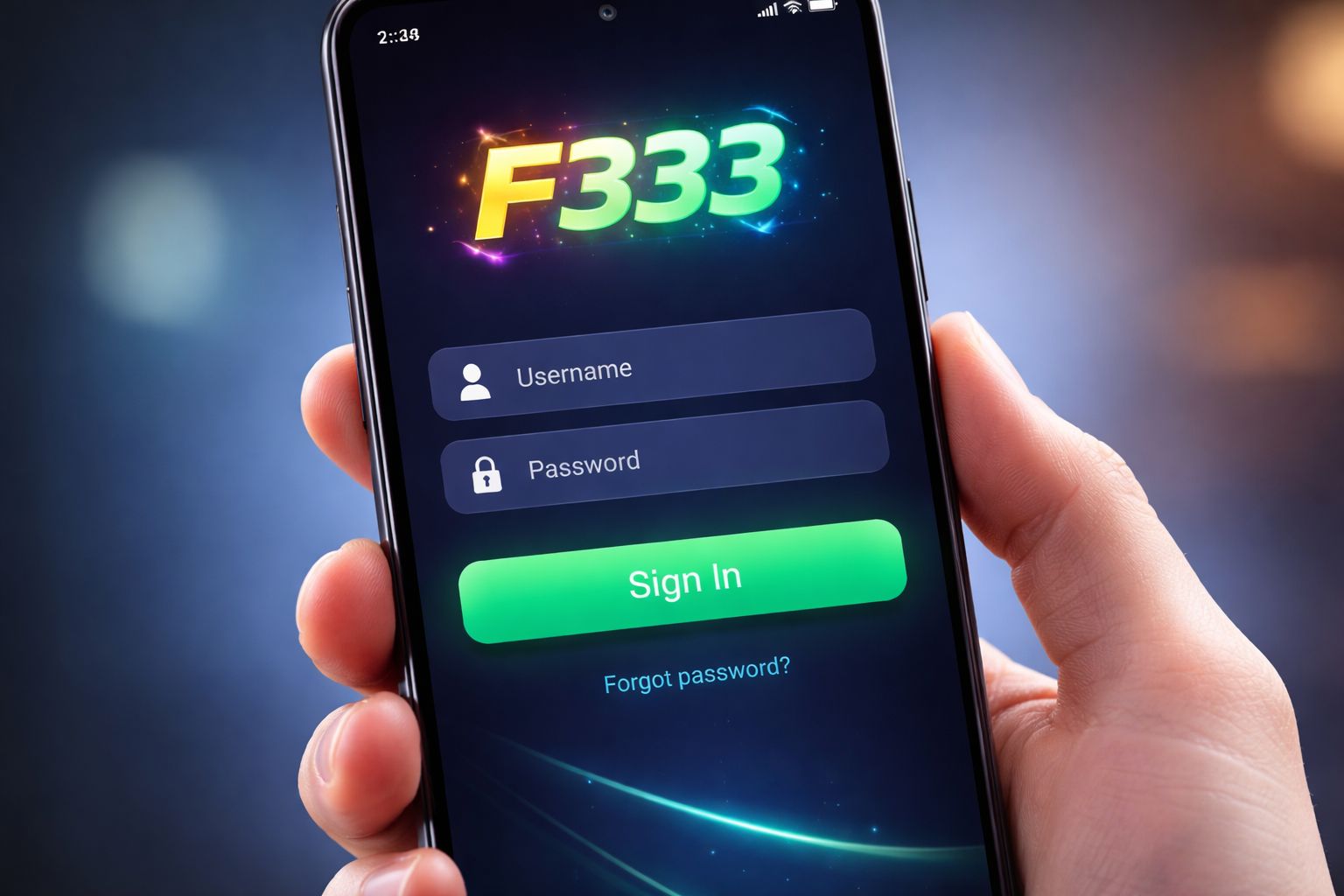
🔑 How to Sign In to F333
Open the website or launch the app, glance at the top-right, and you'll spot the bright Sign In button. Tap that.
Type in the username (or the phone digits) and the password you picked when registering, hit confirm, and the lobby loads. That's the whole song and dance.
Three ways to sign in:
| Method | Requires | Average Speed |
|---|---|---|
| Username + password | Manual entry | ~8 sec |
| Phone number + password | Manual entry | ~8 sec |
| Biometric (app only) | Fingerprint or Face unlock | ~2 sec |
One thing worth remembering: if you happened to save your details on a borrowed phone or a shared office computer, uncheck the "keep me signed in" option. Small habit, saves big headaches later.
Already got an account and just want to hop straight into the action? Head over to the casino section after signing in and you'll be sorted.
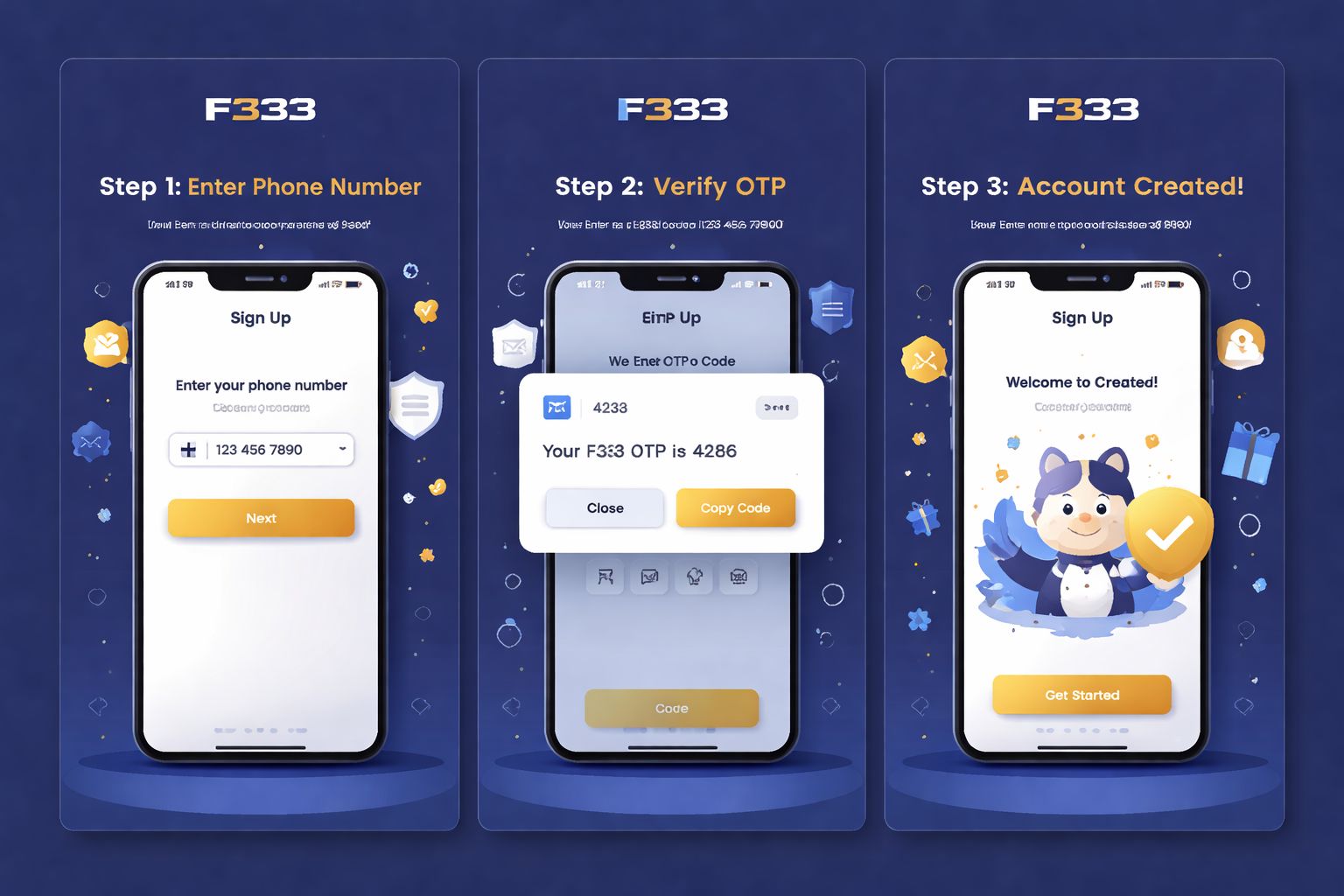
📝 Opening a Fresh Account
No account yet? Registration is short and you'll only need:
- ✅ A working Bangladesh mobile number
- ✅ A payment wallet you already use (bKash, Nagad, or Rocket)
- ✅ Two minutes and a bit of patience
Step-by-step:
- Tap the Register button on the homepage or inside the mobile app
- Type your Bangladesh mobile number — must match the one tied to your bKash/Nagad wallet (this matters when withdrawal name verification kicks in)
- Pick a strong password — combine letters, digits, and a symbol or two
- Enter your full name — exactly as printed on your NID
- Select BDT as your account currency
- Paste a promo code if one's been shared with you — that's how the welcome offer gets applied
- Verify the OTP that arrives via SMS on your registered phone
- Confirm — the account goes live instantly
Once you're logged in, feel free to browse the slots library before dropping a single taka. Zero pressure to fund it right away.
Things you won't be asked for at signup:
- ❌ Email confirmation (optional, can be added anytime later)
- ❌ NID upload (only required ahead of your first cashout)
- ❌ Selfie or full KYC (triggered only for withdrawals above ৳10,000)
- ❌ Address proof (never requested during registration)
That's noticeably less friction than most other Bangladesh-facing casinos I've tried out.
🔒 Keeping Your Account Safe
Your F333 account is essentially a digital wallet, so guard it the same way you'd guard your phone.
Do:
- ✅ Pick a password unique to F333 — mixing uppercase, numbers, and one symbol
- ✅ Switch on 2FA (two-factor authentication) inside Settings — SMS or email code for unknown devices
- ✅ Enable biometric unlock on the F333 Android app — fingerprint or Face ID
- ✅ Sign out on any borrowed device — even a cousin's tablet
- ✅ Peek at your login history every few weeks (Settings → Security → Sessions)
Don't:
- ❌ Hand your credentials to anyone — even trusted friends
- ❌ Store your password in a browser on a shared PC
- ❌ Click "password reset" links you never requested — always type the F333 URL by hand
- ❌ Play with real money over open public wifi — café and airport networks are riskier than they seem
- ❌ Trust random Telegram or WhatsApp accounts pretending to be F333 staff — legitimate support only exists on the platform itself
Spotting phishing: if an SMS or email claims to be from F333 and pushes you to sign in via a link, inspect the URL closely. The real address lives at f-333.org — anything with tacked-on words like "f333-promo.com" or "f333-secure-login.net" is a scam trying to grab your credentials.
❓ Recovering a Lost Password
Blanked on your password? Happens to everyone. Quickest recovery route:
- Tap "Forgot Password" right on the sign-in screen
- Type your registered mobile number
- Wait for the SMS carrying a 6-digit code
- Punch the code into the reset form
- Choose a fresh password
- Sign back in using the new credentials
Start to finish it takes about 2 minutes. Codes go stale after 10 minutes as a safety measure.
If the SMS never lands:
- Confirm you've got cellular signal (SMS won't route through wifi-only)
- Give it 60 seconds then hit "Resend code"
- Fall back to email recovery if you'd added an address at signup
- Ping live chat as a last option — they can confirm identity via NID and reset it manually
If you've also lost the phone number itself:
Reach out to support with:
- Your full registered name
- Roughly when you signed up
- Most recent deposit amount and method (with the bKash/Nagad TRX ID if available)
- A clear scan of your NID
The team will manually confirm and either restore access or migrate the account to a new phone number. Expect 24 to 48 hours — the caution is deliberate, and it's actually a plus for security.
📱 App vs Browser Access
Both routes work fine. Each has its own feel:
- Mobile browser (Chrome, Safari):
- ✅ Works on any handset, any operating system
- ✅ Nothing to install or update
- ✅ Full feature access
- ❌ No biometric option
- ❌ Marginally slower than the app on patchy 4G - F333 Android app:
- ✅ Biometric sign-in (fingerprint or Face ID)
- ✅ Push alerts for bonuses and match starts
- ✅ Smoother live streaming performance
- ✅ Quicker navigation between lobbies
- ❌ Android exclusive (iOS users stick with browser)
- ❌ Needs "install from unknown sources" toggle - Desktop browser:
- ✅ Wider screen — ideal for juggling multiple cricket markets
- ✅ Live streams look crisp on a laptop panel
- ✅ Complete feature set
- ❌ No fingerprint option
- ❌ Not portable — obvious drawback
The bulk of Bangladesh players lean on mobile (Android app or Safari on iPhone). Personally I switch to desktop only when I'm following cricket with several betting markets open at once.
🛟 Help When You're Stuck
Can't get into your account? Three channels are open:
- 1. Live chat — bottom-right corner across every page
- Open 24/7 in English and Bangla
- Reply time: typically under 3 minutes
- Best for urgent stuff (forgotten passwords, missing OTPs) - 2. Email — [email protected]
- Reply window: 4 to 12 hours
- Best for account issues needing documents attached
- Screenshots help resolve things faster - 3. Official Telegram channel
- Only follow the link posted on the F333 site — anything else is imposters
- Reply time: 10 to 30 minutes
- Best for casual queries and community tips
Genuine support will never request your password. If anyone claiming F333 credentials asks you to reveal it, cut the conversation and report the account. No exceptions.
❓ FAQ
Frequent questions about signing in, registering, receiving OTPs, and verifying your F333 account.
Type your Bangladesh mobile number and verify the OTP. Full flow takes roughly 2 minutes. No documents are required at signup.
Yes, up to 2 devices simultaneously. Beyond that, a security prompt appears asking you to confirm identity via SMS verification.
Wait 60 seconds and hit "Resend". If nothing shows, switch off wifi and rely on mobile data (some routers block Bangladesh SMS gateways). Contact support if resends still fail.
Yes. SSL encryption, optional 2FA, biometric unlock inside the app, and full login history visible in your account panel. Turning on 2FA in Settings adds an extra safety layer.
Yes, with proper verification. Head to Settings → Personal Info → Change Number. You'll need to confirm both the current and new numbers via OTP codes.
No. KYC is only triggered before your first withdrawal over ৳10,000, or if a security review kicks off. Registration itself only asks for phone and password.
Message support via live chat. They'll verify identity through NID and complete the deletion within 7 days. Any remaining balance is refunded to your registered payment method before closure.
The account temporarily locks for 30 minutes once 5 wrong attempts are logged. Using "Forgot Password" instantly bypasses the lockout and lets you reset.
💭 Wrapping Up
Signing in and registering at F333 is about as smooth as it gets for a Bangladesh casino. The phone-only signup genuinely beats most competitors who still insist on email plus address details upfront.
If anything trips you up, live chat is easily the quickest lifeline. Agents respond in Bangla, and personally I've never waited longer than 5 minutes for a reply — even during odd hours like 3am after a cricket final.
Lock in a strong password, activate 2FA, and grab the F333 mobile app if you're on Android for the biometric convenience. That combination is what keeps my own account safely locked down while I browse favourite games.